

Network Cabinets
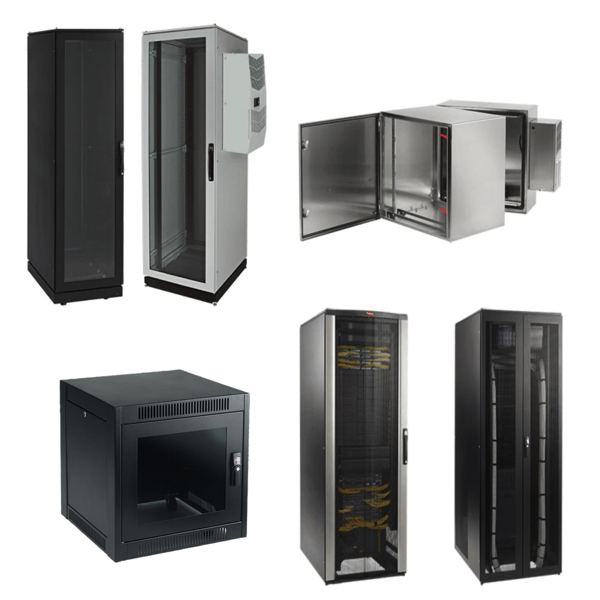
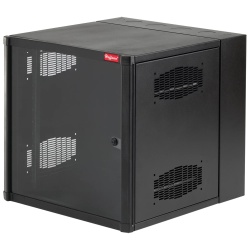
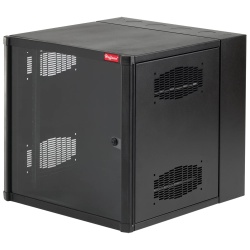
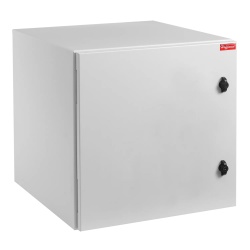
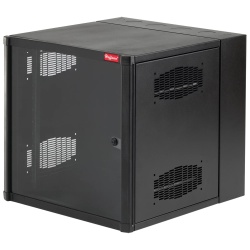
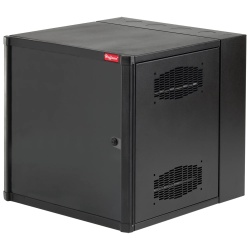
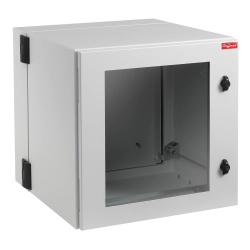
A network cabinet is an enclosure for storing and organizing networking hardware such as network switches, patch panels, network routers, network servers, power strips, and related equipment. Network cabinets are used in server rooms, network wiring closets, industrial control rooms, utility rooms, offices, and data centers to protect, contain, and manage critical IT hardware. They provide physical protection, help prevent dust or accidental damage, and offer a secure way to route network cabling for better reliability and serviceability. They are excellent for consolidating devices and their power/cabling in a structured, organized framework.
Network cabinets assist with cable management, thermal cooling, vibration reduction, security, and long-term network or system maintainability. As a rule, most network cabinets are a standard 19" width (rack-mount) to fit all common IT gear. Heights/widths vary and larger enclosures are always available for enterprise/server applications. They come both as solid 4-post open frames and as enclosed with doors and sides panels. Because heat, dust, moisture and electrical grounding all play a role in uptime, cabinets often include grounding studs, mounting points for fans, dust filters and other accessories.
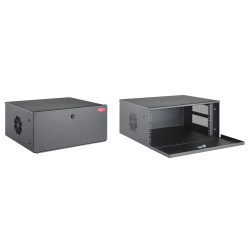
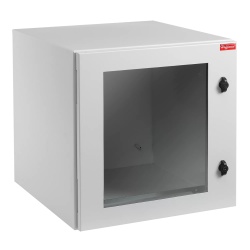
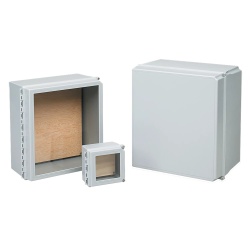
 nVent Hoffman Network Cabinets
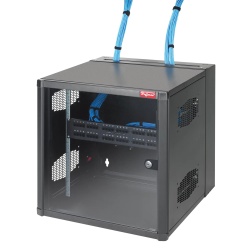
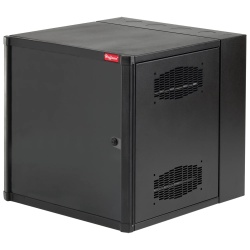
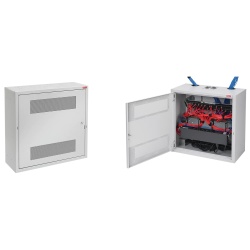
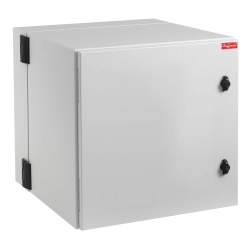
 Panduit Network Cabinets
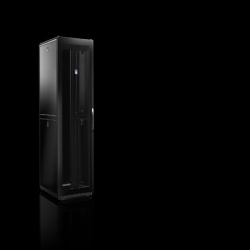
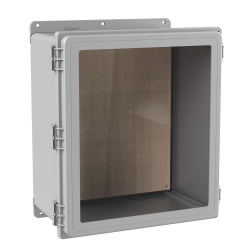
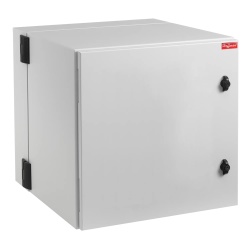
 Rittal Network Cabinets
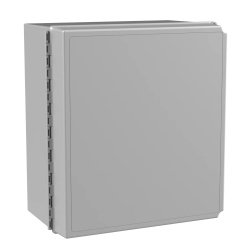
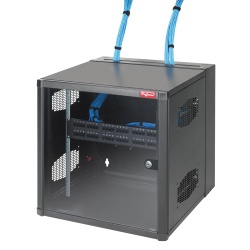
 Schneider Electric Network Cabinets
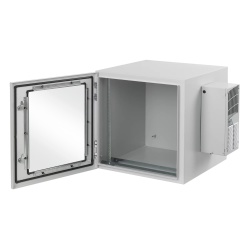
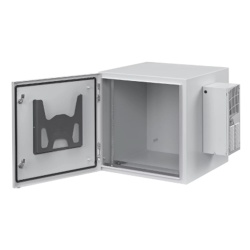
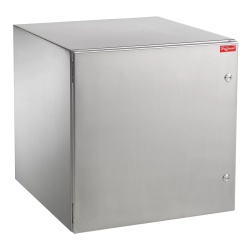
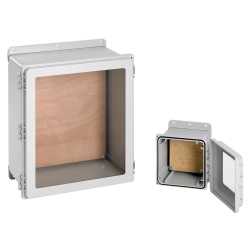
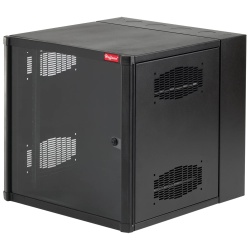
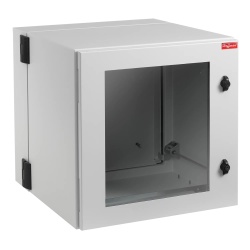
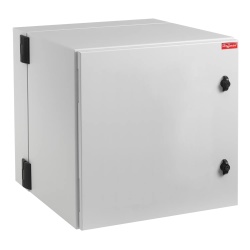
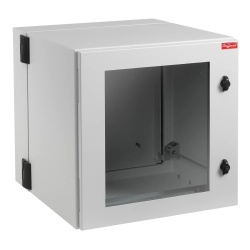
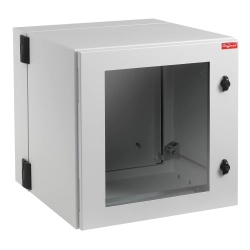
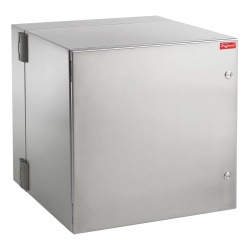
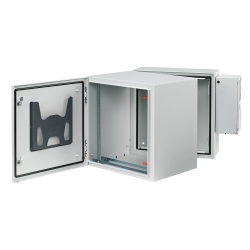
More Information about Network Cabinets
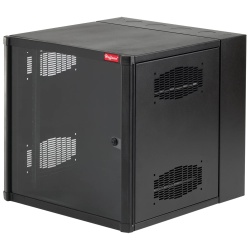
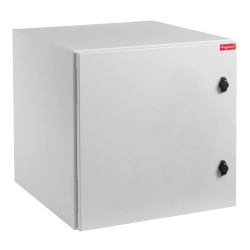
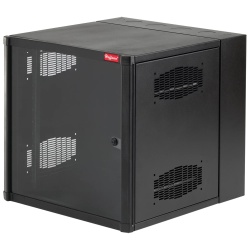
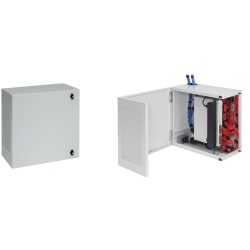
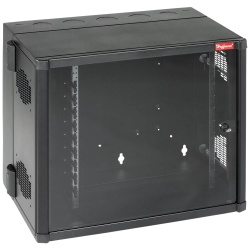
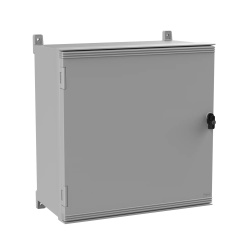
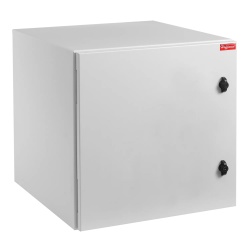
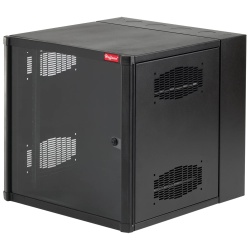
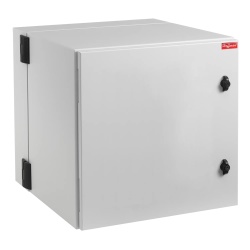
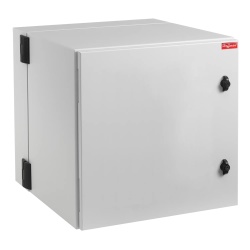
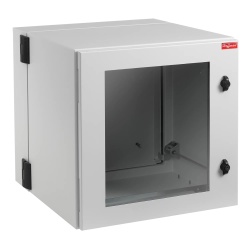
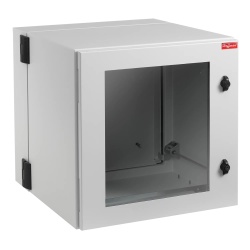
Network cabinets (with cable managers, routing ducts, cooling fans, etc.) play a vital role in uptime, rapid troubleshooting, system expansion, and thermal management. Network racks usually conform to standard EIA rack-unit heights so common 19" rack-mount components or shelves will fit. Quality brand network cabinets will be powder-coated steel with rigid mounting rails and have solid doors for IT security and long service life. They can be simple wall-mount designs or heavy-duty 4-post, free-standing floor models.
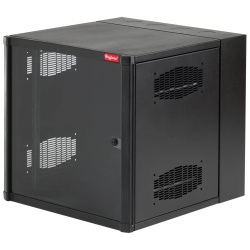
Network cabinets (when enclosed) will have solid swinging front doors and removable/reversible back/rear doors for equipment access as well as easily removable sides/top panels. They offer cable entry points in the roof/bottom of the cabinet and vertical cable bars for zip-tying and organizing network wiring bundles. Accessories for network cabinets often include installed power distribution strips/bars, cooling fans, and ventilated shelves for non-rack-mount gear. Large enterprise server/UPS racks and outdoor weatherproof cabinets are also commonplace. For tallest/most feature-rich options, consider datacenter-style network cabinet or network rack enclosure styles.
FAQs
What is a network cabinet used for?
A network cabinet is used to securely house networking equipment such as switches, patch panels, routers, servers, and cable management hardware. It helps protect equipment from physical damage, organizes cabling, improves airflow, and supports reliable network performance in IT rooms, data centers, and industrial environments.
What is the difference between a network cabinet and a server rack?
A network cabinet is an enclosed rack with doors and side panels designed for added security, airflow control, and environmental protection, while a server rack is typically an open-frame structure. Cabinets are preferred when equipment needs protection from dust, unauthorized access, or noise.
How do I choose the right network cabinet size?
Choosing the right network cabinet depends on rack height (U size), equipment depth, load capacity, and future expansion needs. It is important to allow adequate space for cable management, airflow, power distribution units, and potential growth to avoid overcrowding.
Are network cabinets suitable for industrial environments?
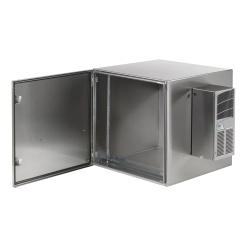
Yes, many network cabinets are designed for industrial or commercial use and offer features such as reinforced frames, ventilation options, grounding points, and compatibility with cooling accessories. Industrial-grade cabinets help protect networking equipment in factories, warehouses, and utility facilities.
What features should I look for in a quality network cabinet?
Key features include proper rack depth, adequate load rating, ventilation or fan options, locking doors and panels, cable entry points, and compatibility with standard 19-inch rack-mounted equipment. These features help ensure equipment protection, ease of installation, and long-term network reliability.